
RE:Flexor includes Cut Morph (1 input) and View Morph (2 inputs).
The Frame Interpolation Jack-of-All-Trades is here. OPEN BETA. RE:Flex V6 and Effections Plus Max Version 2611 or over unlocks this product as well.
RE:Flexor in Action
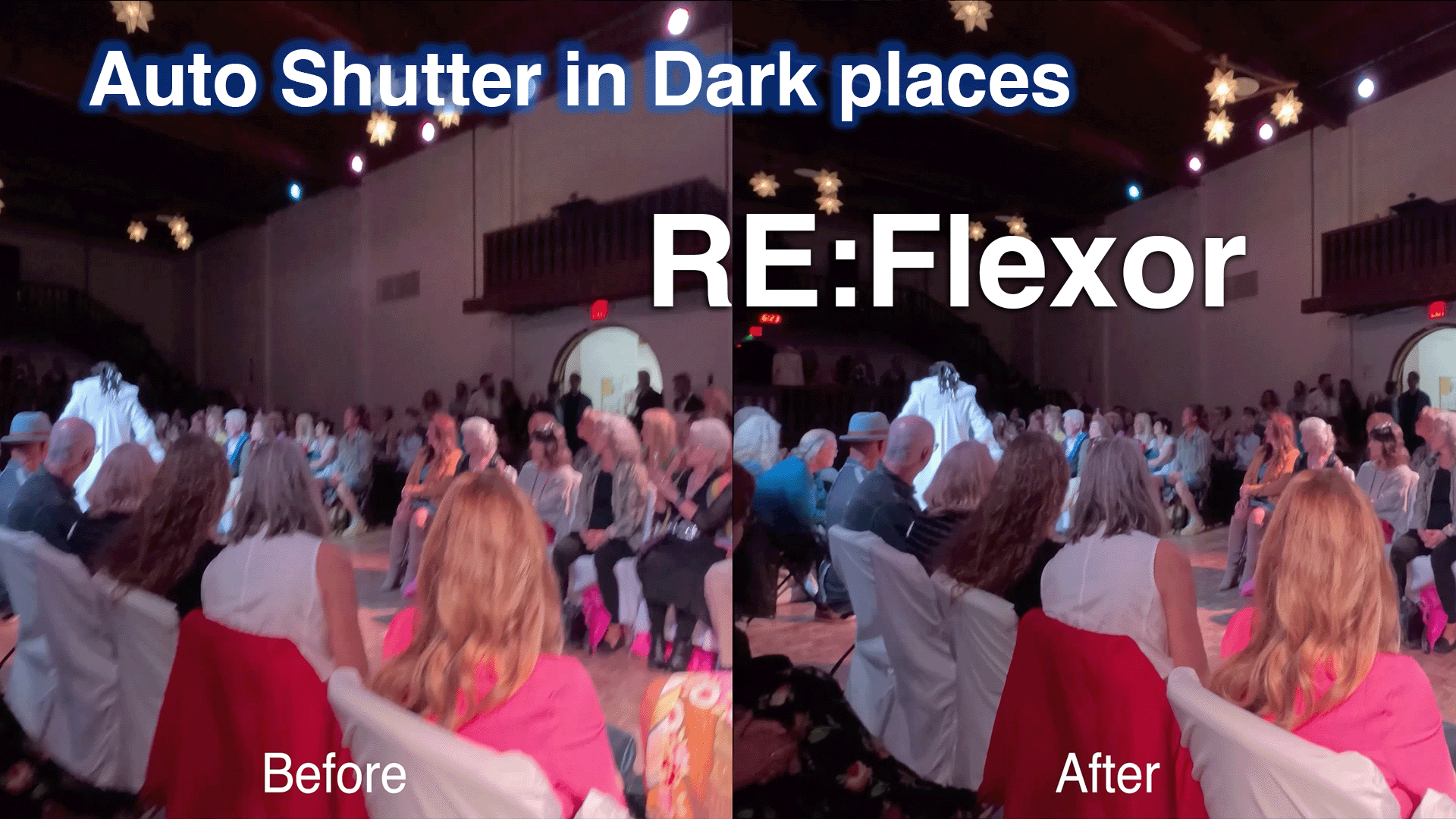
RE:Flexor Playlist
Watch some examples.
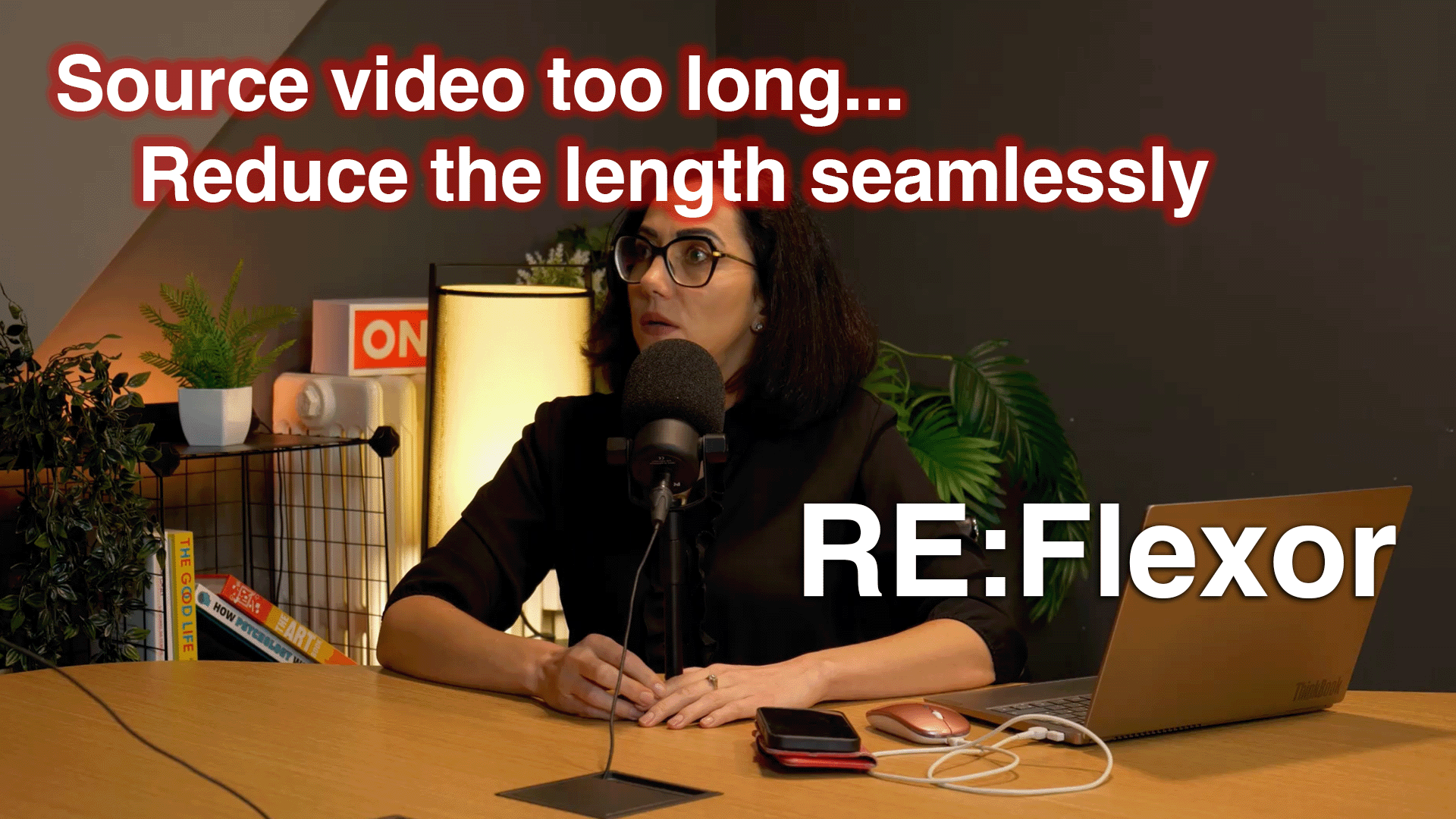
Shorten Clip Example
Simple example of shortening video.
Source material from https://www.pexels.com/@mihaela-claudia-puscas-836545137/
Type Podcast in search, she has multiple examples.
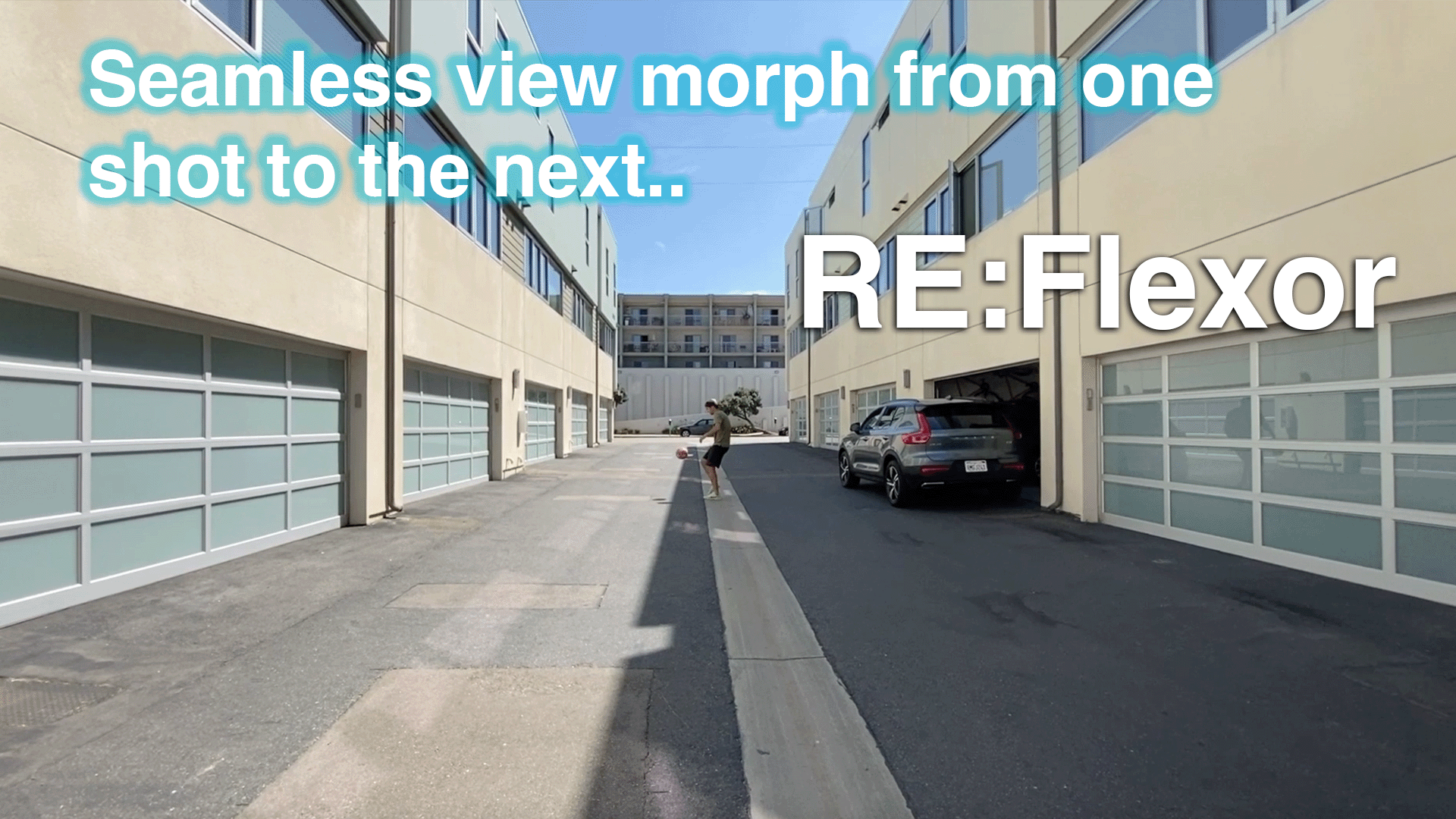
View Morphing Example
Two cameras sync timewise. Note last section we needed to pre-apply RE:Match Color as the seam became visible due to slightly different exposure between the wide view and the medium one.
RE:Flexor Features
View Morphing
Morph Across Cuts
Stitch Clips
Feature Specs
Replace Bad Frames
Restore out of focus
Remove fast objects
Integrated Audio
Compress Time
New Frame Interpolation Methods
Point Guiding
Still to Still
Faces
Transition Effects
Open Beta
Download
Try RE:Flexor for Free
REFlexorAE
REFlexorAE
TRIAL DOWNLOAD & LICENSE COMPATIBILITY
When you download a RE:Flexor or purchase a RE:Flexor license for After Effects it is compatible with the following:
After Effects
after-effects (all versions)
Purchase RE:Flexor
License for After Effects
License works with After Effects.
Additional License Options
We offer several types of licensing options for both our interactive and render-only plug-ins: floating license, non-floating license, and volume license (read the licensing overview for more information). If you are interested in volume licensing or have other questions about these license options, please contact us. All floating licenses require installing our floating license server.
Features, pricing and availability are subject to change without notice.
Interactive license options
Floating Licenses
| RE:Flexor V1 Floating License | PURCHASE FLOATING LICENSE | |
| RE:Flexor V1 Floating License | Upgrade upgrade non-floating v1 to floating |
Render-only license options
Render-only licensing is for use with After Effects' render-only program 'aerender'. Render-only licenses do not work in AE’s Render Queue (for Render Queue rendering you need an interactive license). Note that the RE:Flexor render-only licenses only work on projects written with an interactive license (so you must have at least one standard, floating or Non-Floating interactive license for the render-only licenses to be valid).
Floating Licenses
| RE:Flexor V1 / Render-Only Floating License | PURCHASE FLOATING LICENSE |
Non-Floating Licenses
| RE:Flexor V1 / Render-Only | Upgrade from non-floating v1 to floating | |
| RE:Flexor V1 / Render-Only | PURCHASE NON-FLOATING LICENSE |